















Home
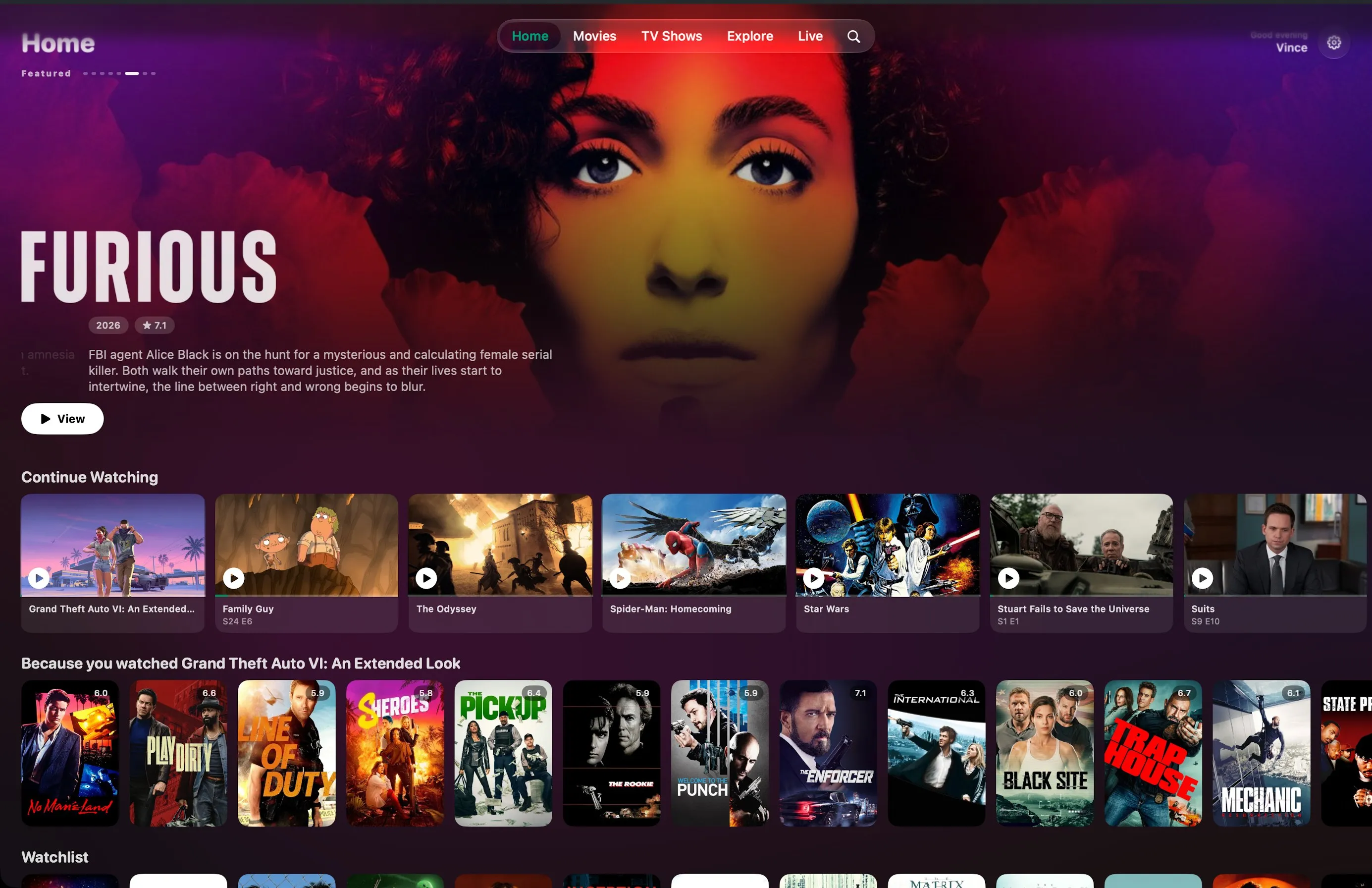
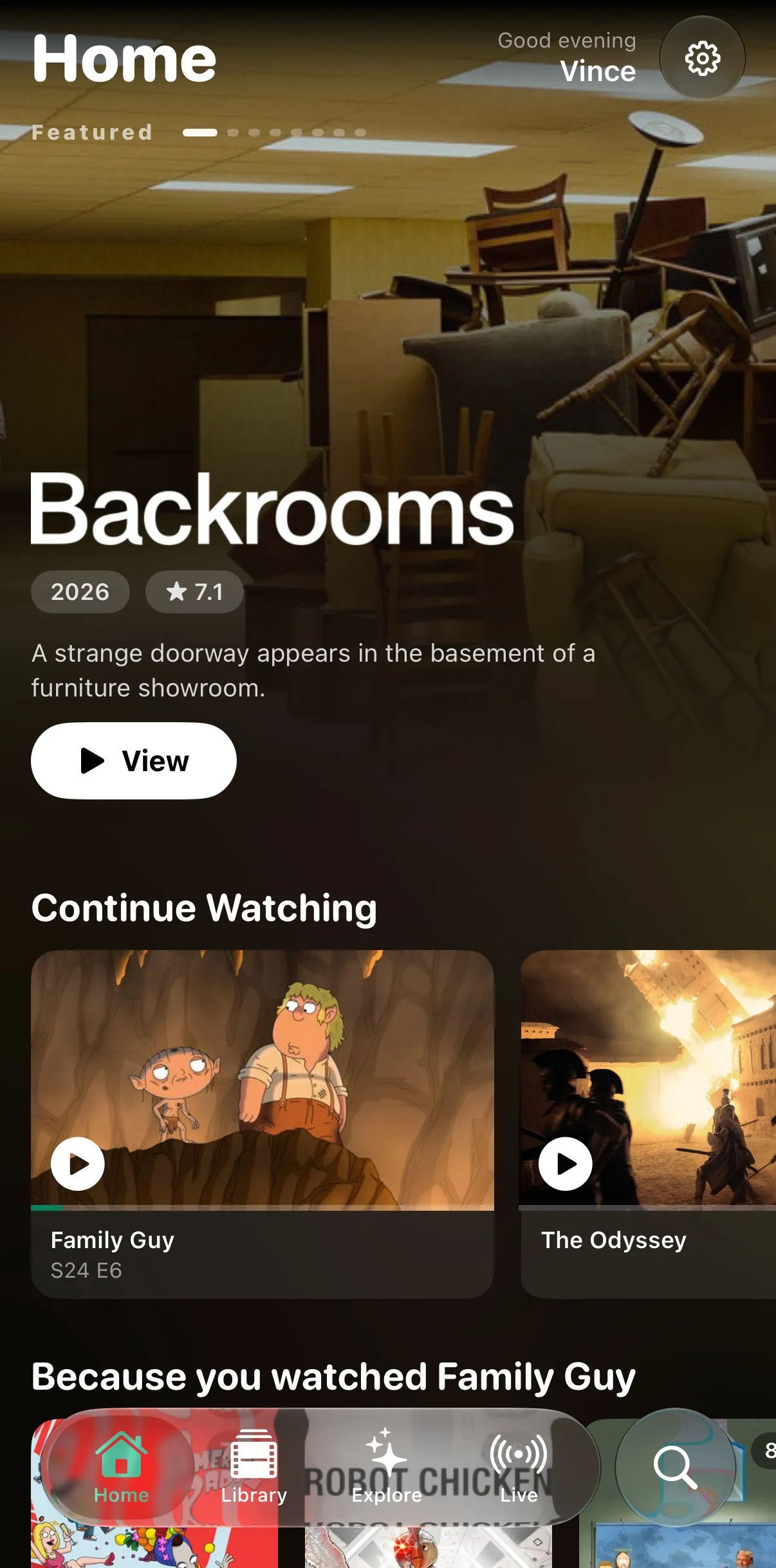
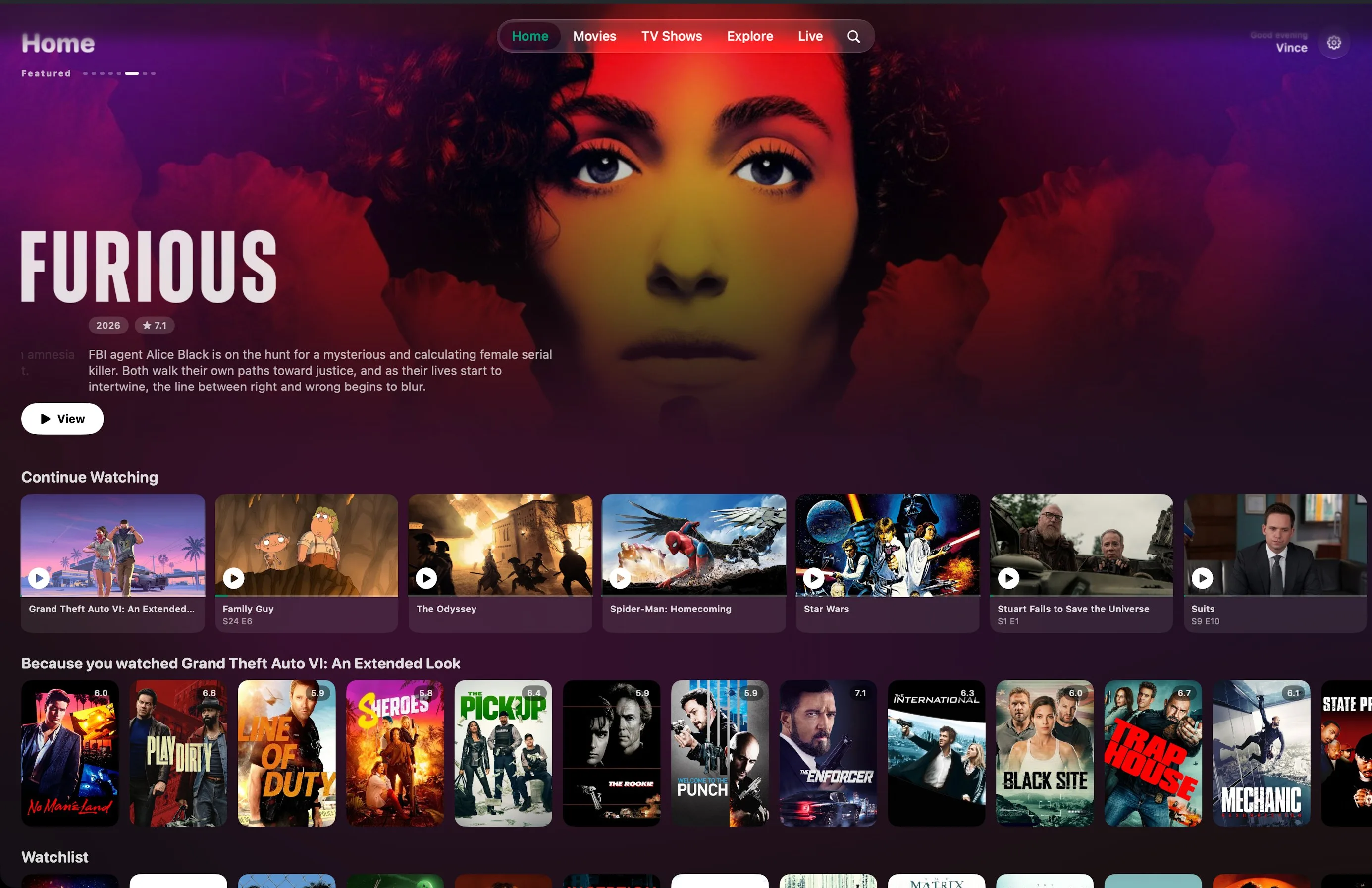
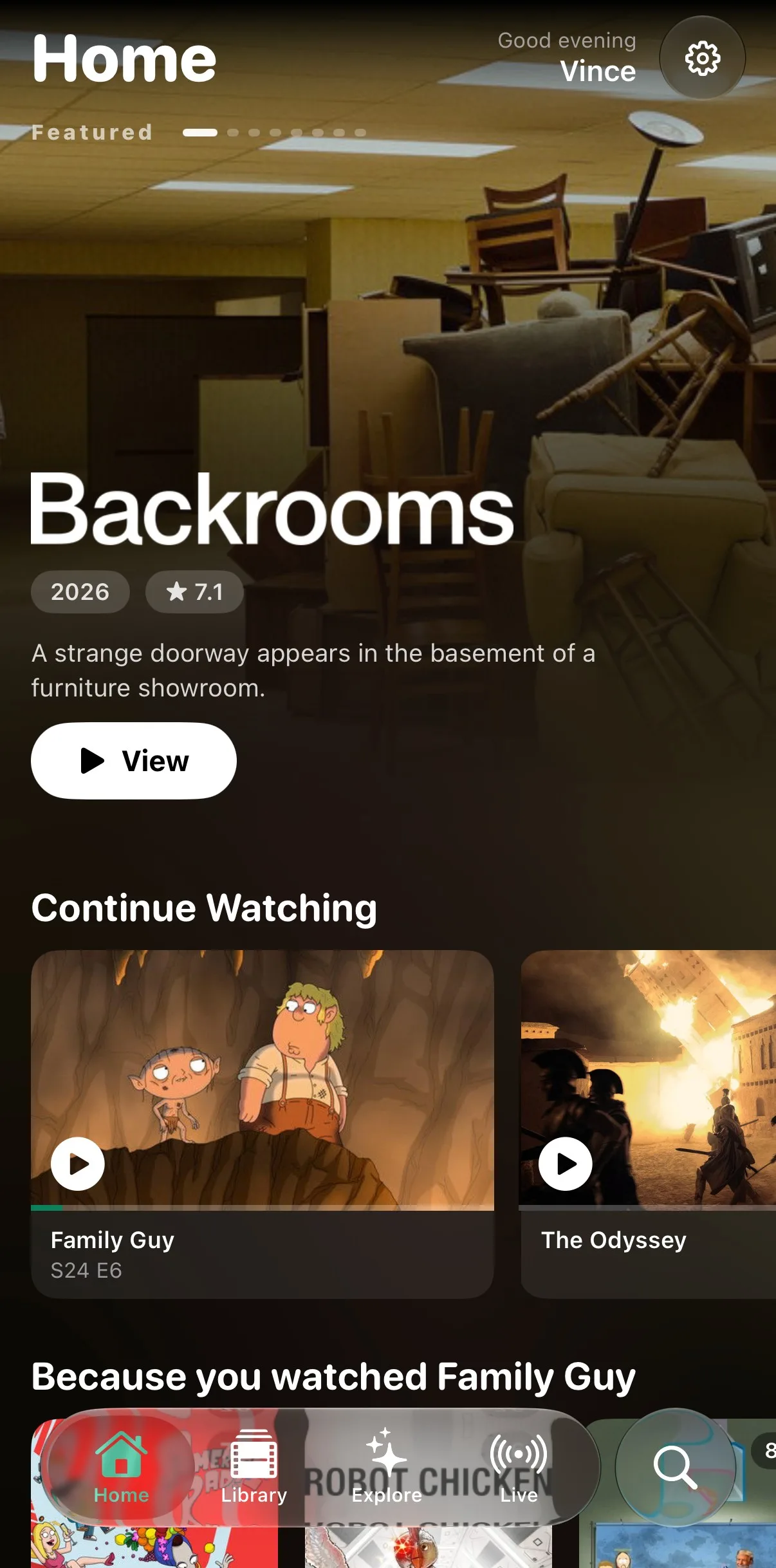
Spotlight, continue watching and rows that fit you. The background takes on the colour of the title.
For iPhone, iPad, Apple TV, Mac and Vision Pro
The only streaming app you will ever need. You bring the subscription, Glotz turns it into the library your provider never bothered to build.
You bring your own subscription. Glotz is the player.
How it works
The details of your existing IPTV provider. Once, after that they live in your device’s keychain.
Every title gets a poster, a description and a rating. A list turns into a library.
On iPhone, iPad, Apple TV and Mac. Watchlist and progress travel through your iCloud.
Glotz ships no content, no channels and no subscription. What you get to see is decided by your provider alone. That is why the app looks different for everyone.
Library
Providers stack prefixes, resolutions, country codes and years into the title, and hand you the same movie five times over. Glotz cleans up the name and files every version under one entry.
What arrives 5 entries
What you see 1 title, 5 versions
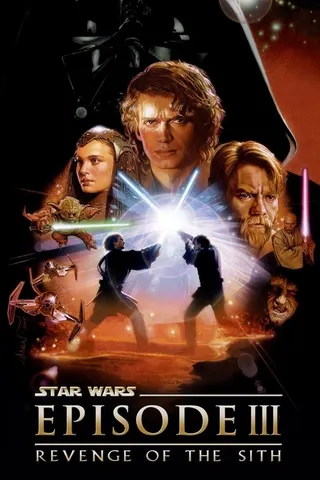
Star Wars · Episode III
Revenge of the Sith
DEENFRES4K
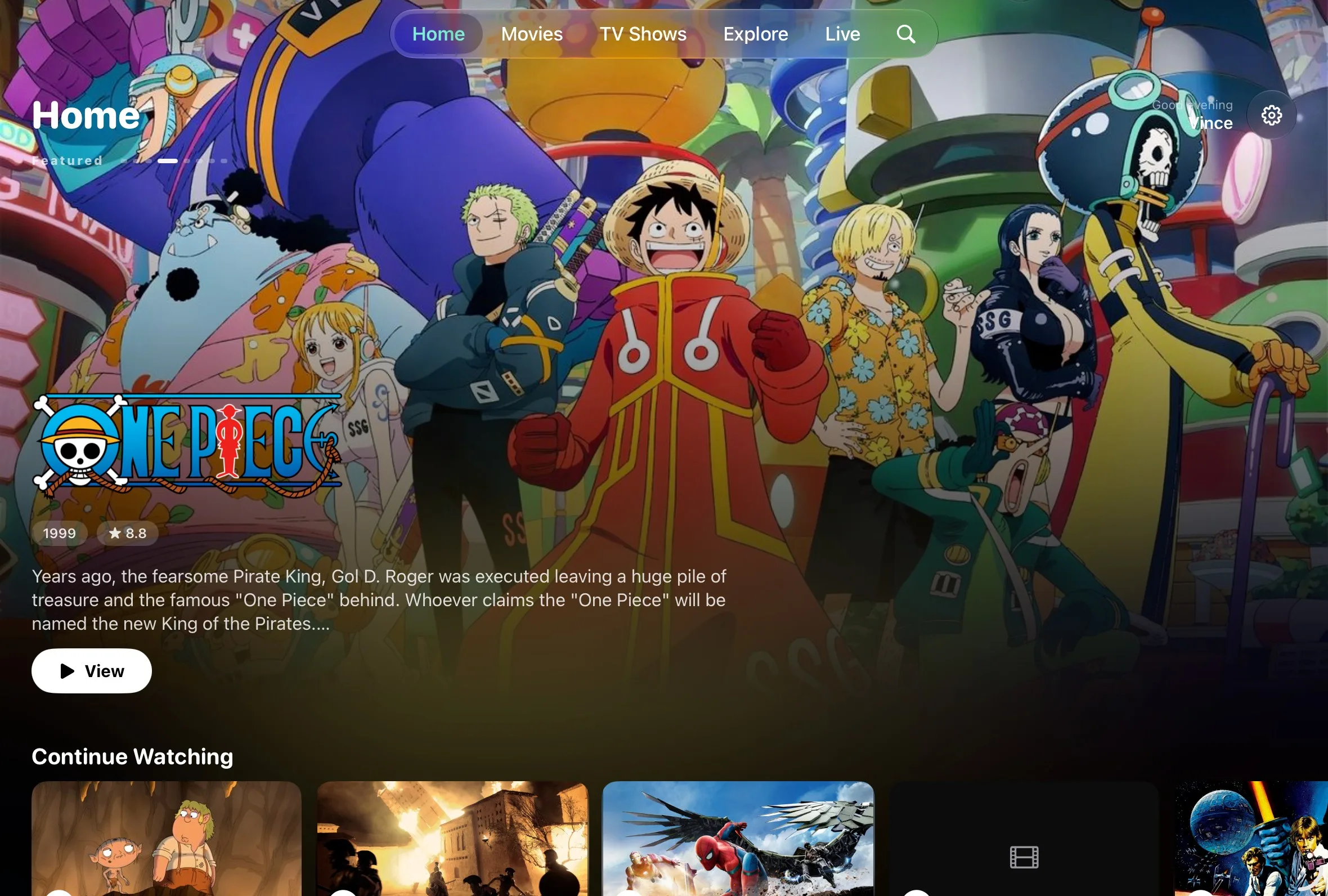
Screenshot from the iPad. More shelves side by side, the same library.
Explore
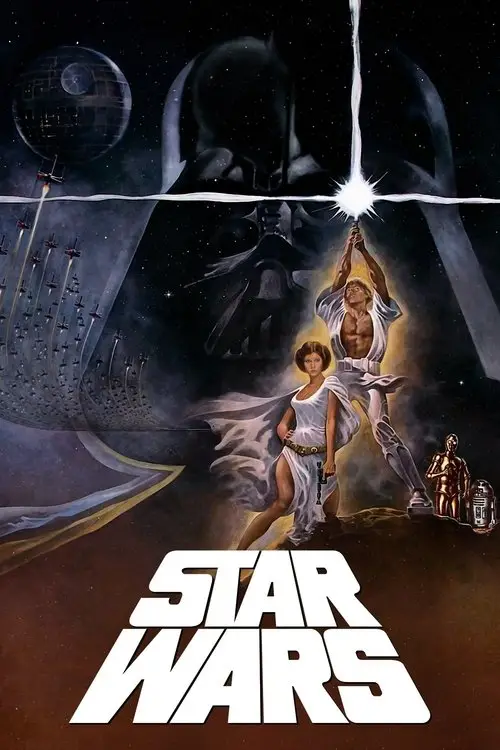
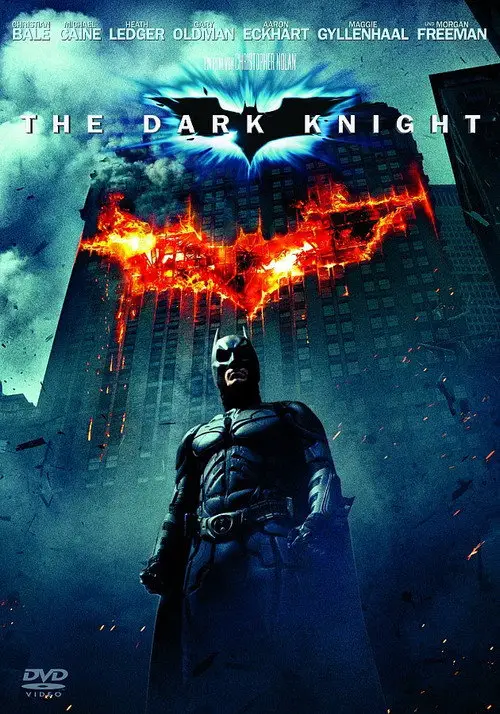
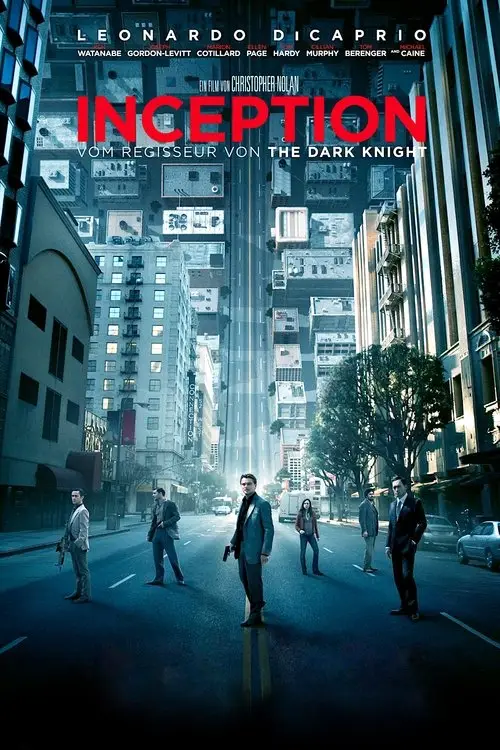
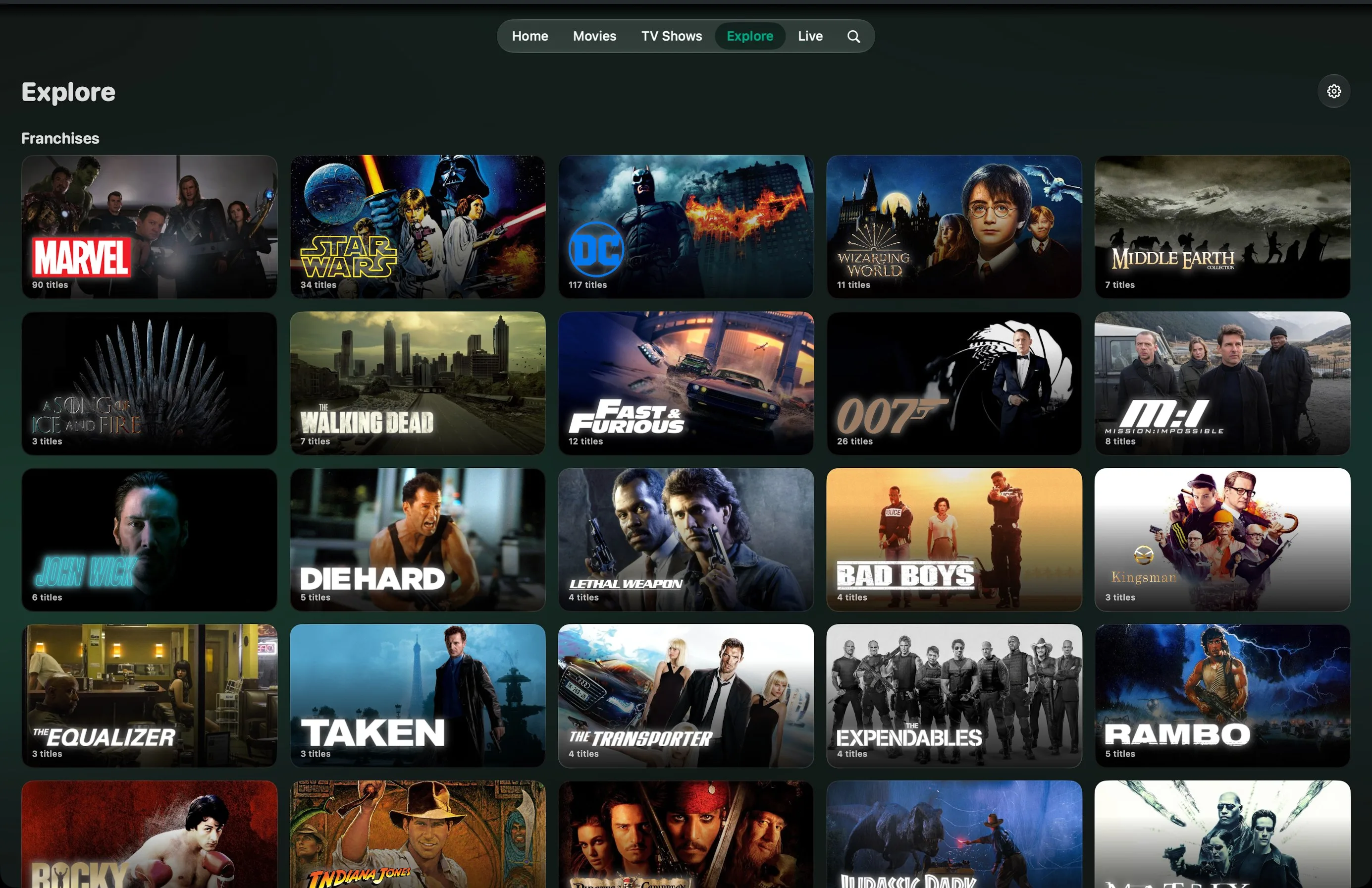
Over eighty franchises, curated by hand and checked against your library. Marvel by phase, Star Wars from Episode I to IX, every Nolan in one place. Only what you can actually play shows up.
In story order, not in your provider’s order
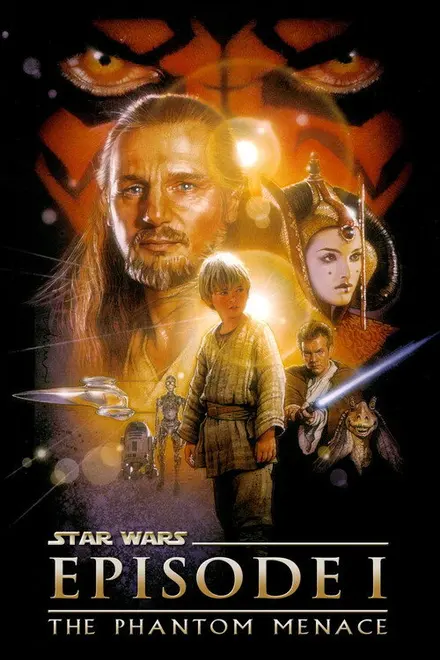
Episode I
The Phantom Menace 1999
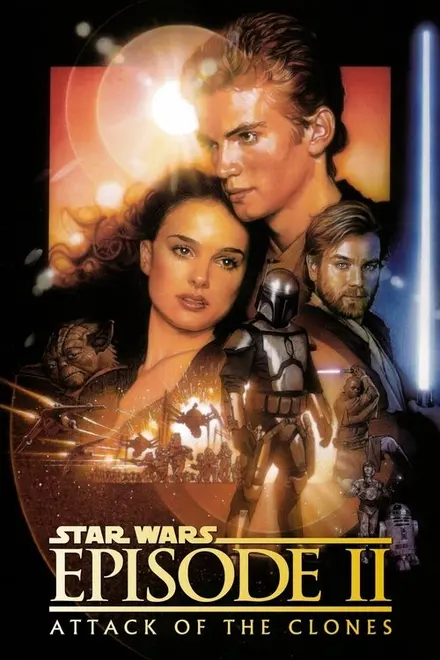
Episode II
Attack of the Clones 2002
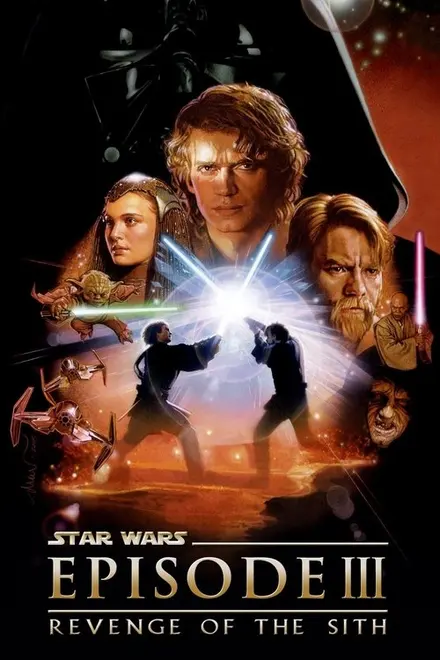
Episode III
Revenge of the Sith 2005
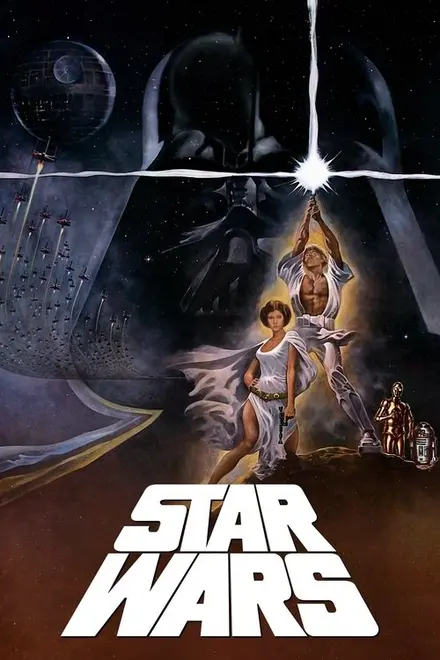
Episode IV
A New Hope 1977
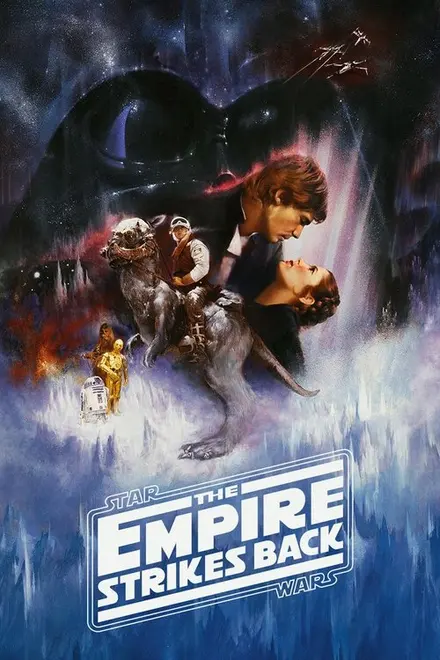
Episode V
The Empire Strikes Back 1980
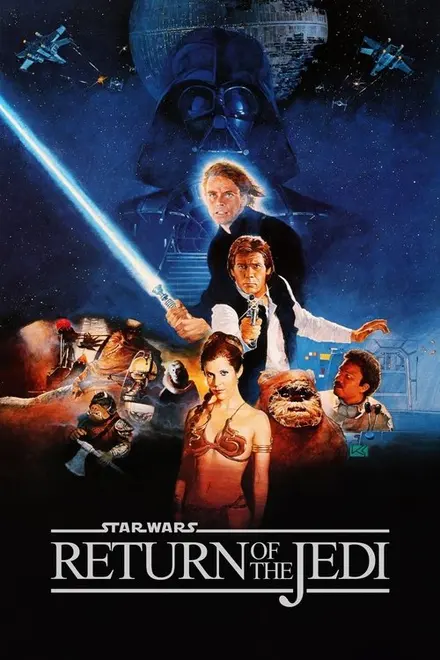
Episode VI
Return of the Jedi 1983
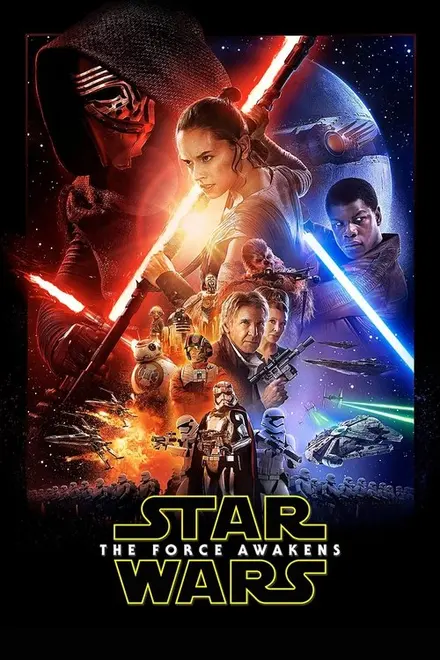
Episode VII
The Force Awakens 2015
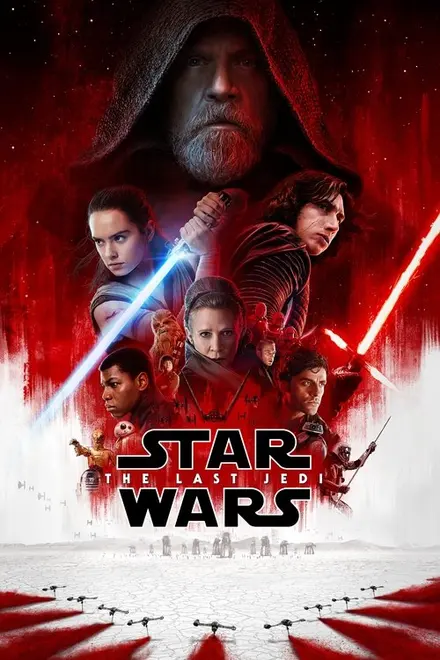
Episode VIII
The Last Jedi 2017
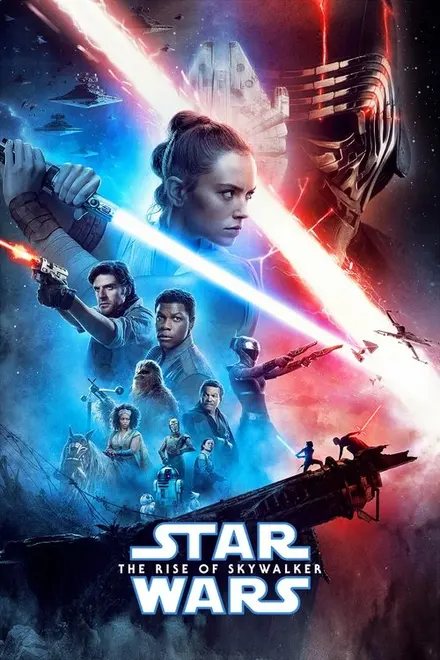
Episode IX
The Rise of Skywalker 2019
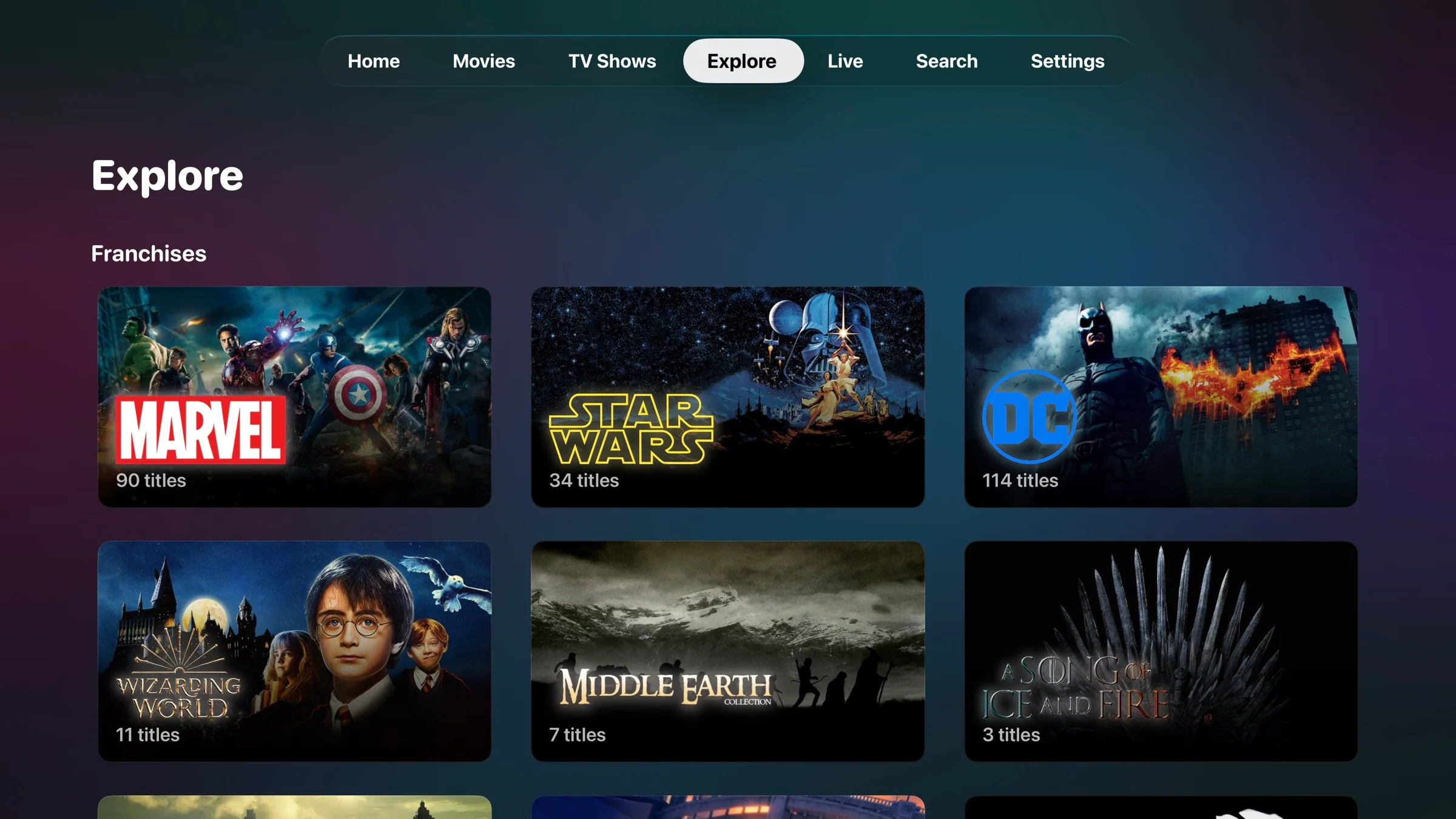
Explore on Apple TV, real capture: Marvel, Star Wars, DC, Wizarding World, Middle-earth. Every franchise shows how many titles your provider actually has.
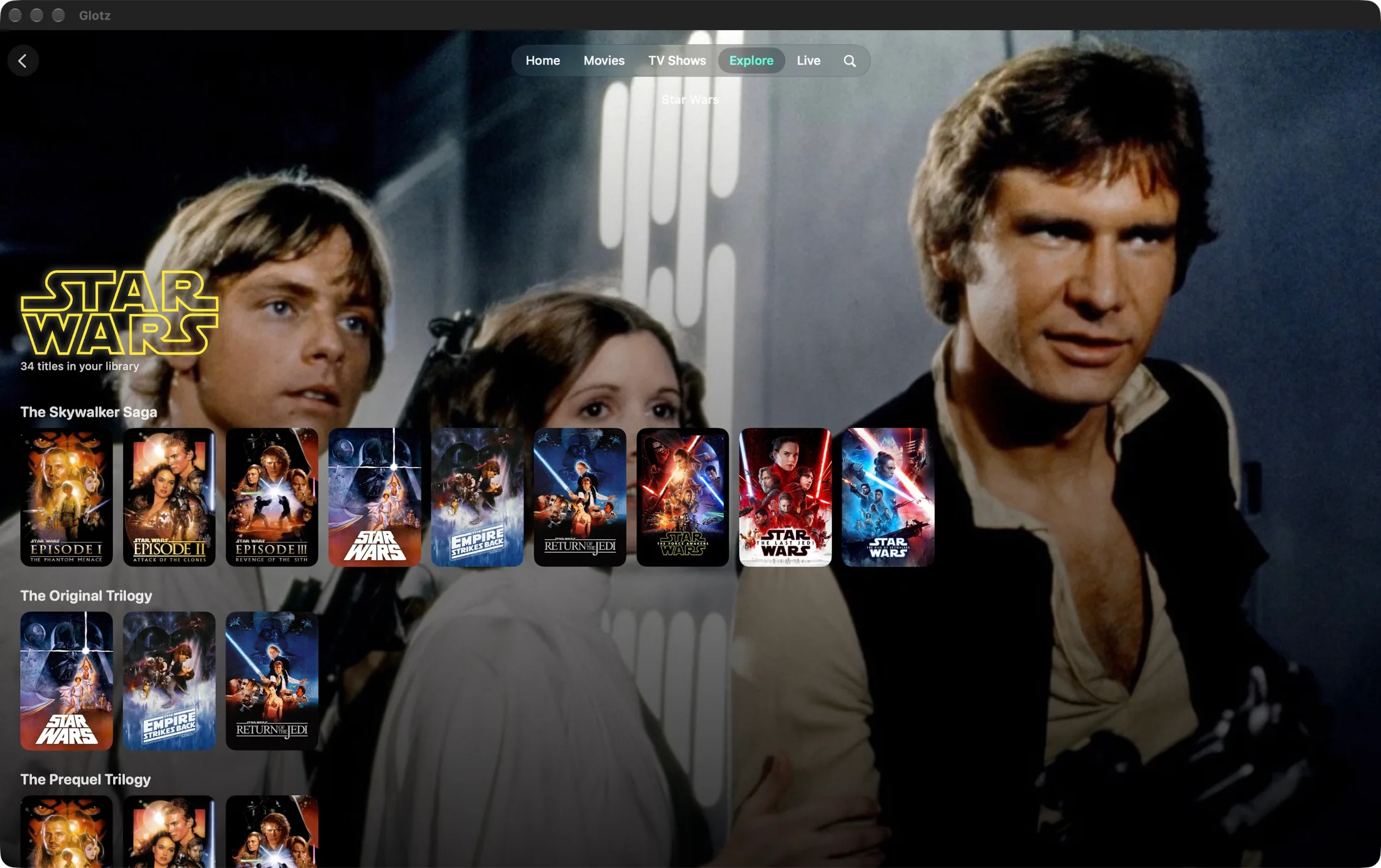
And the rest of the collection
Live TV
What is on now, what comes next, how long is left. A programme guide at the level you know from the big providers.
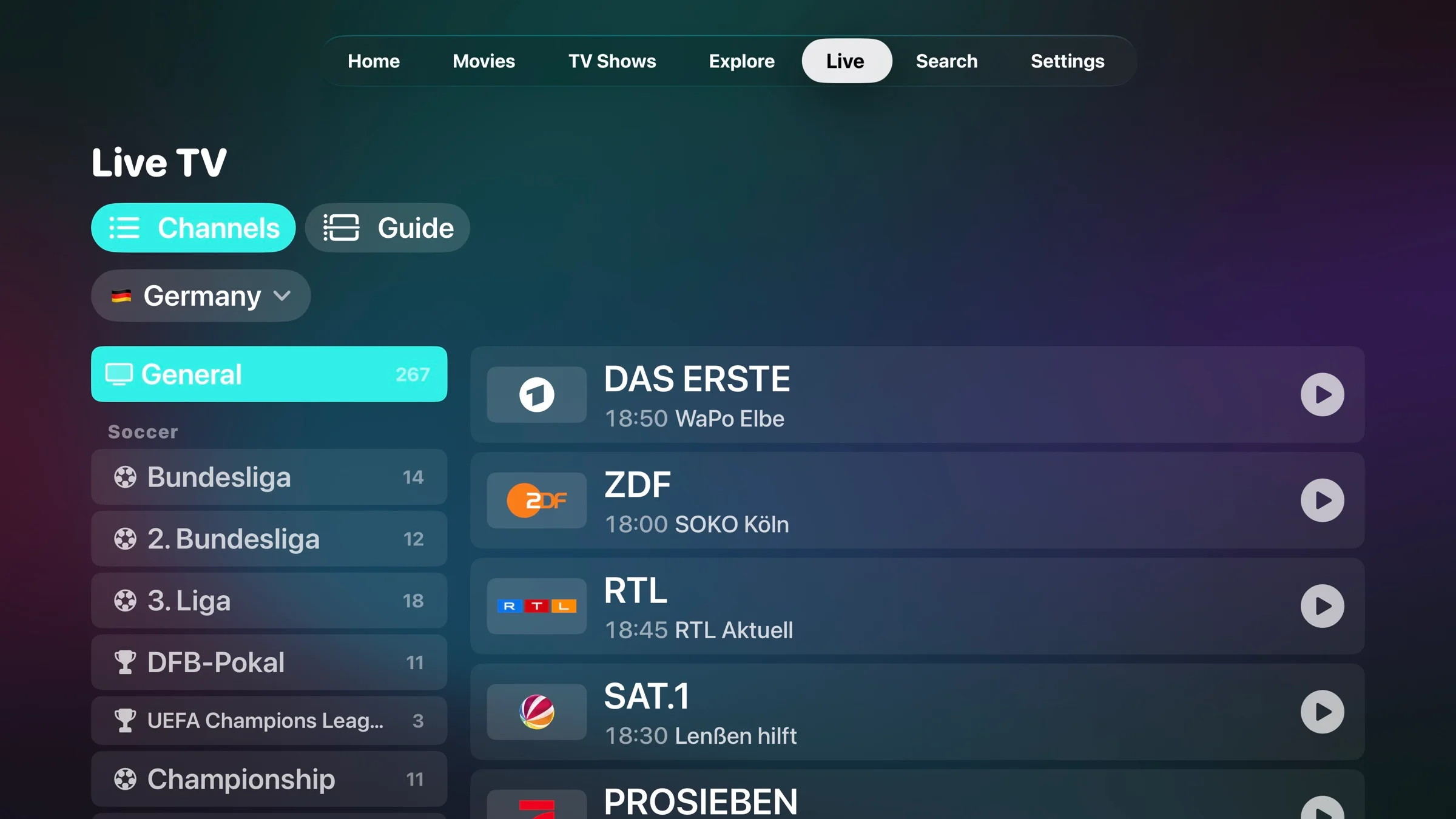
Live TV on Apple TV, real capture from the app. Which channels you see depends on your subscription.
Favourites on top, duplicates gone, cryptic prefixes decoded.
Bundesliga, Champions League, Formula 1 and NFL sit together instead of scattered.
A running bar, the time left and what comes next, all at once.
Playback
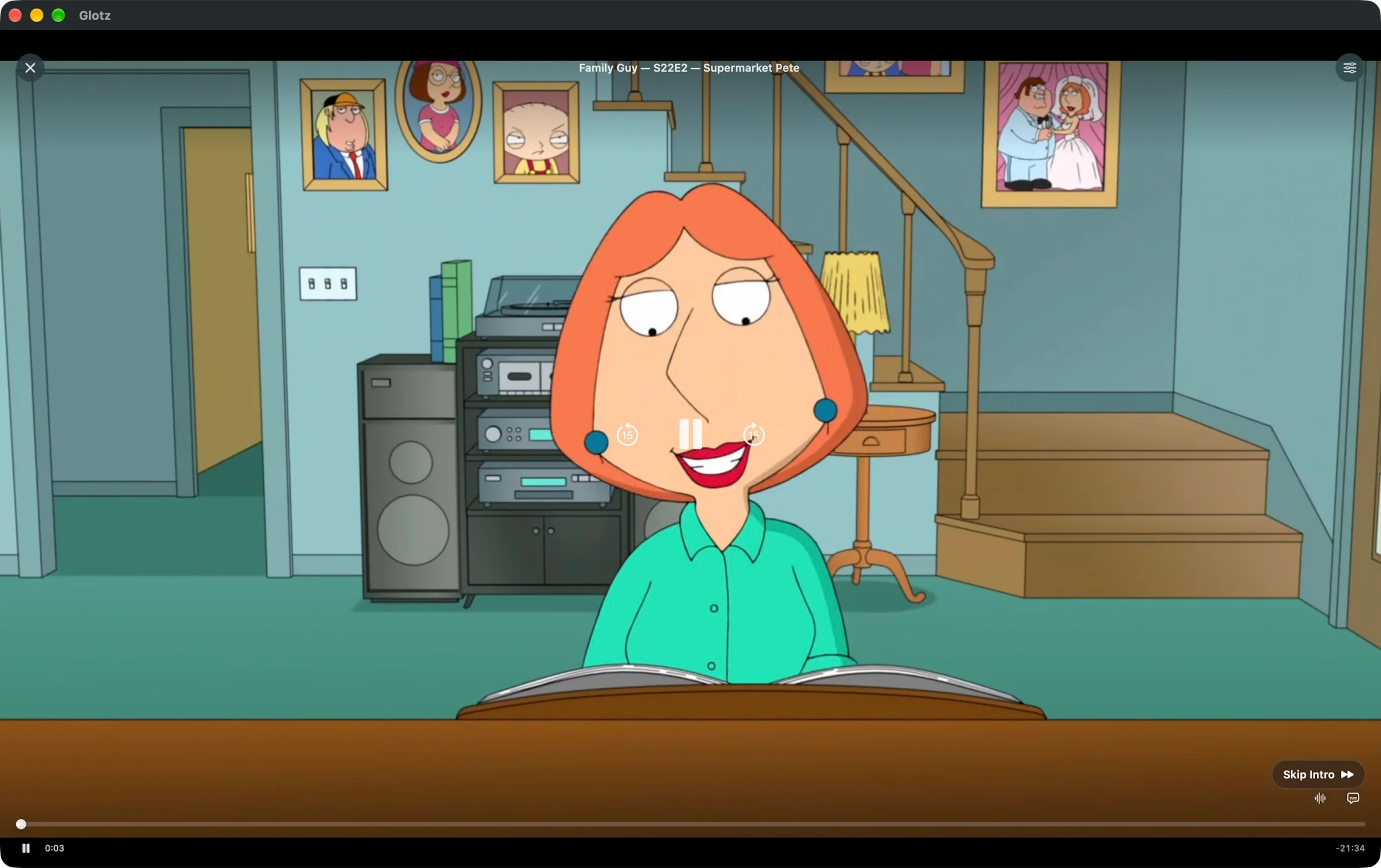
Audio tracks, subtitles, picture in picture, skip intro. Where the system gives up, VLC takes over, without you changing a thing.
From the app
Spotlight, continue watching and rows that fit you. The background takes on the colour of the title.
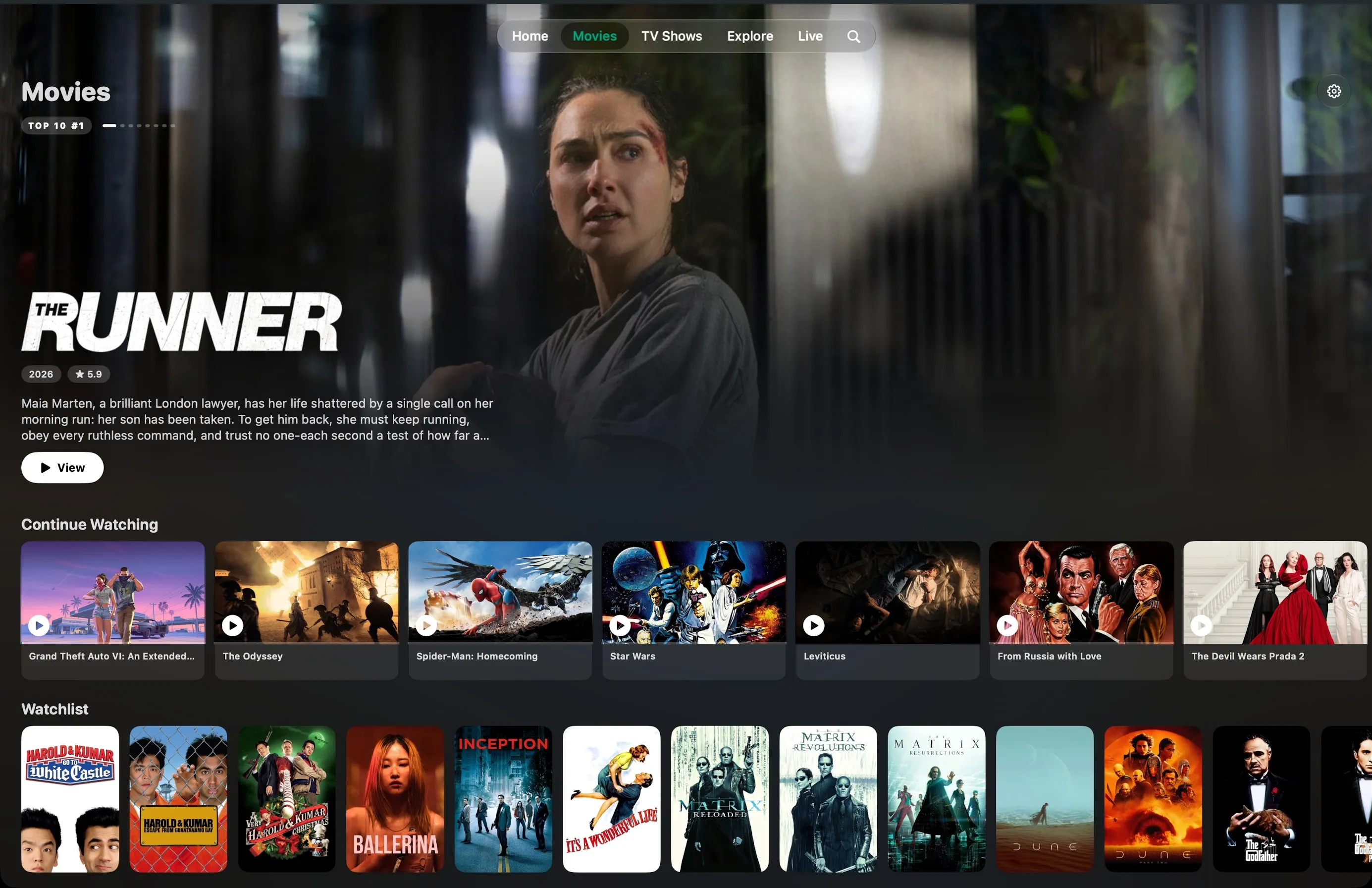
Top 10, watchlist, new in your library. Every title with poster, rating and description.
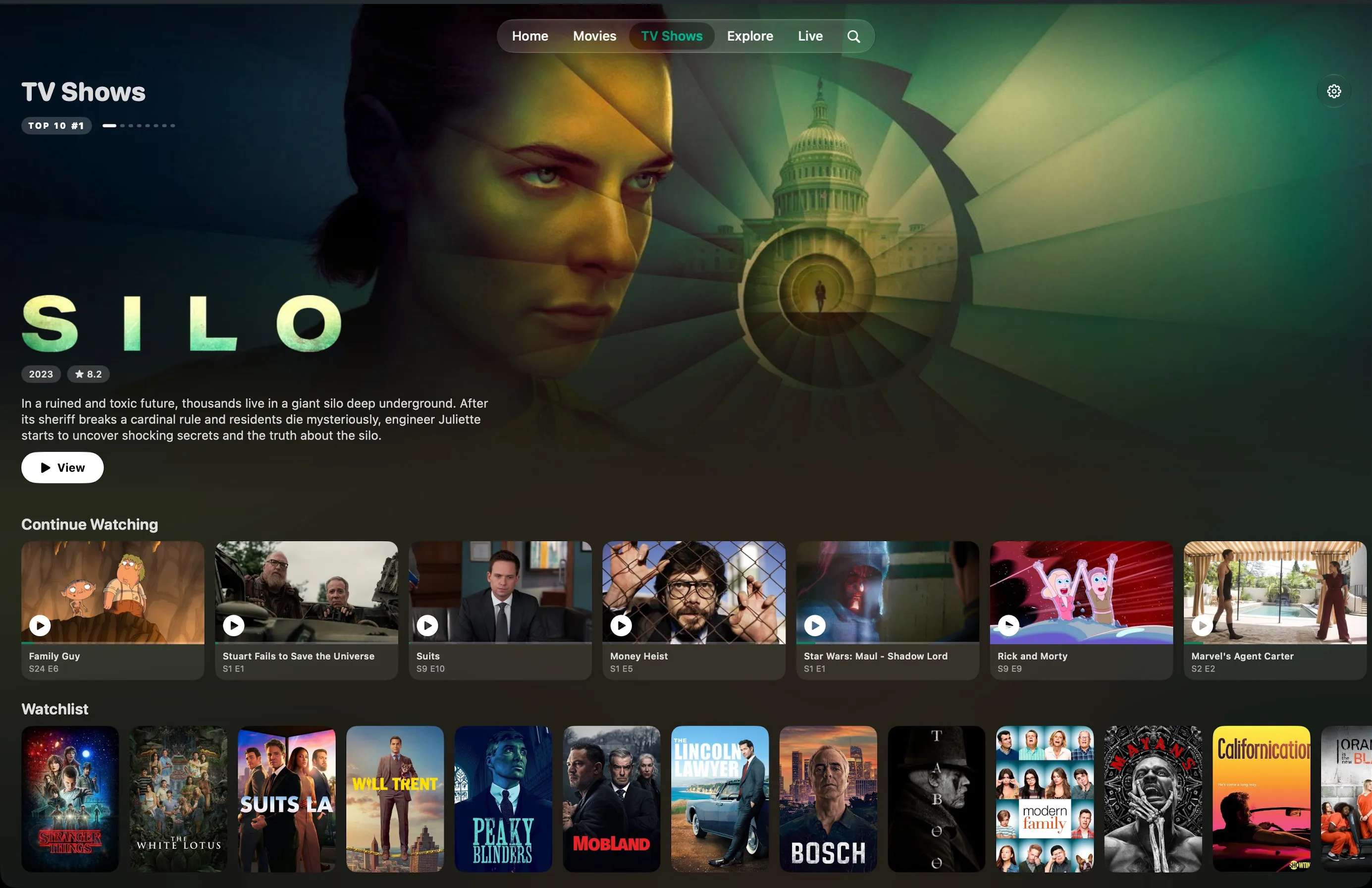
Seasons and episodes instead of two hundred lines. Continue watching exactly where you left off.
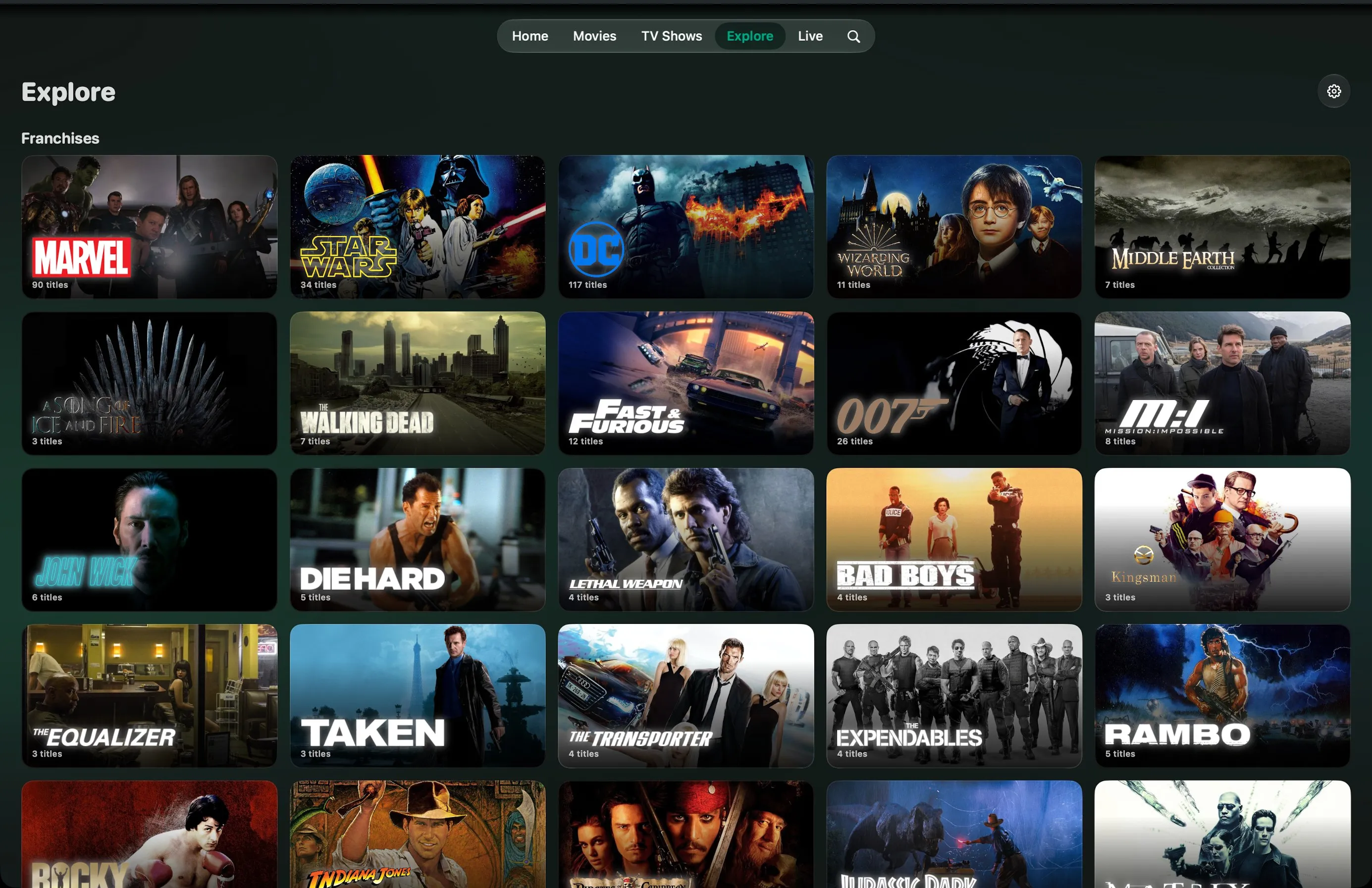
Over eighty franchises, directors and studios, checked against your library.
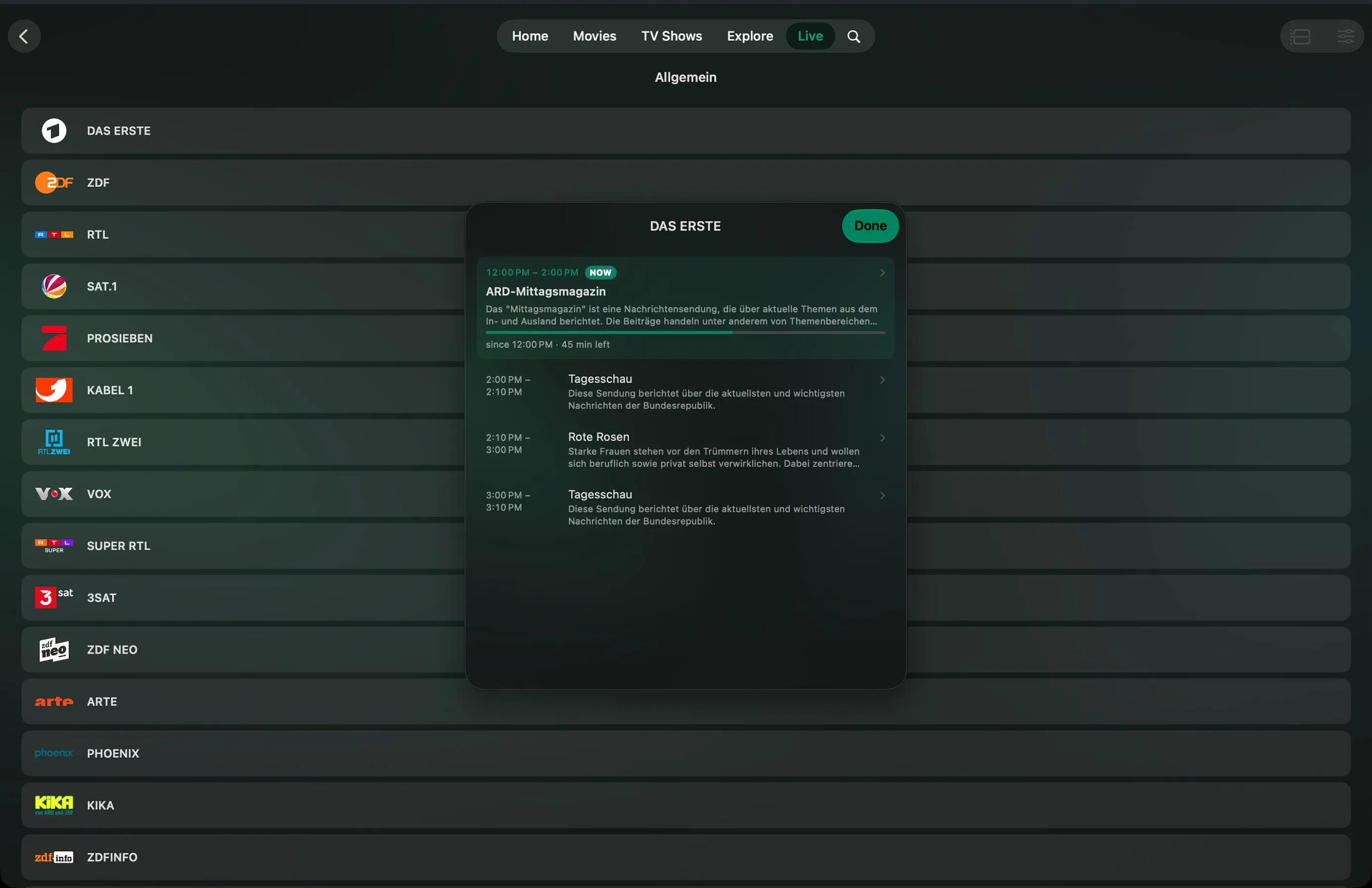
Channels, what is on, time remaining and what comes next in one clear programme guide.
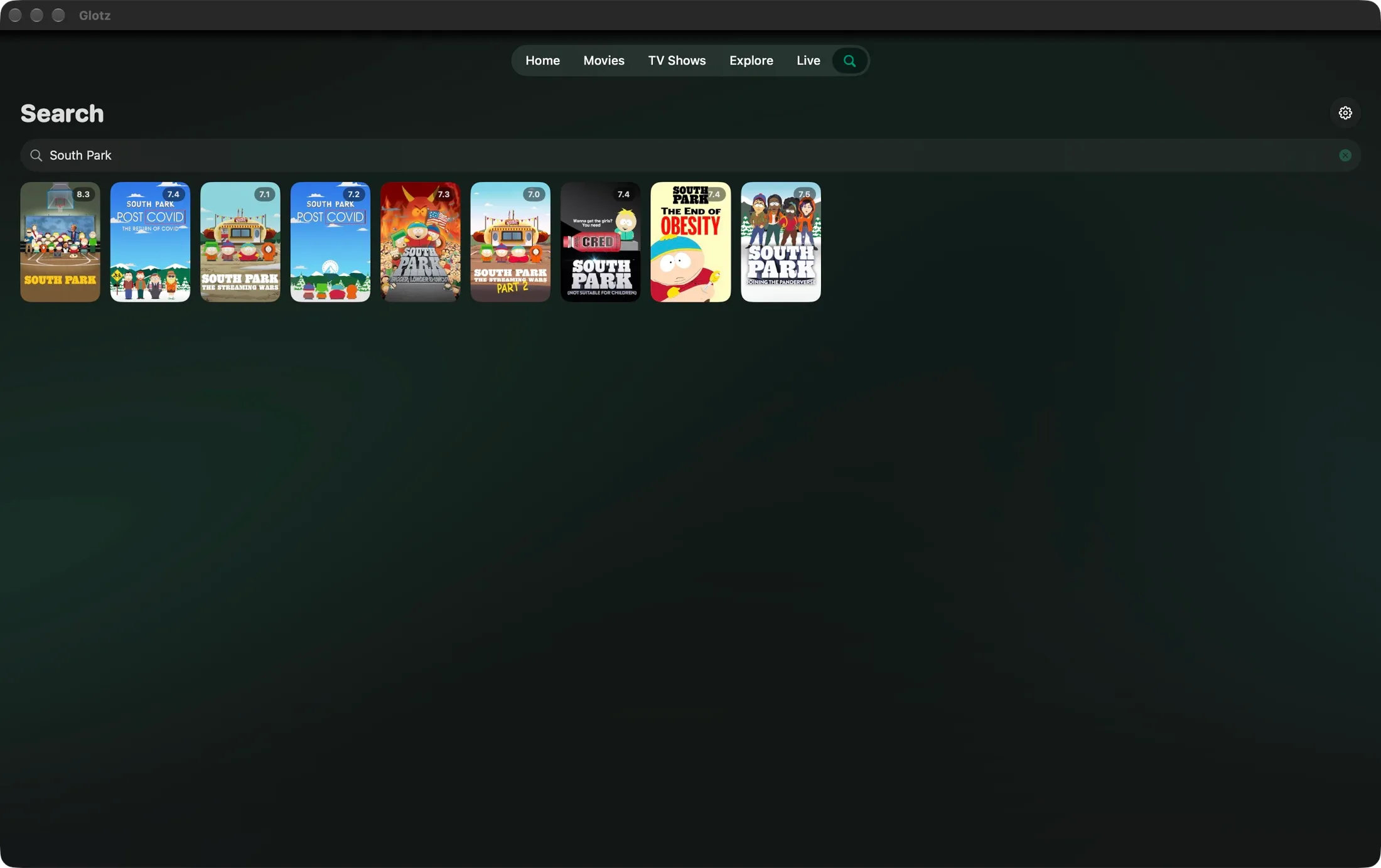
Find movies, TV shows, people and collections. Go straight from your search to the titles that match.
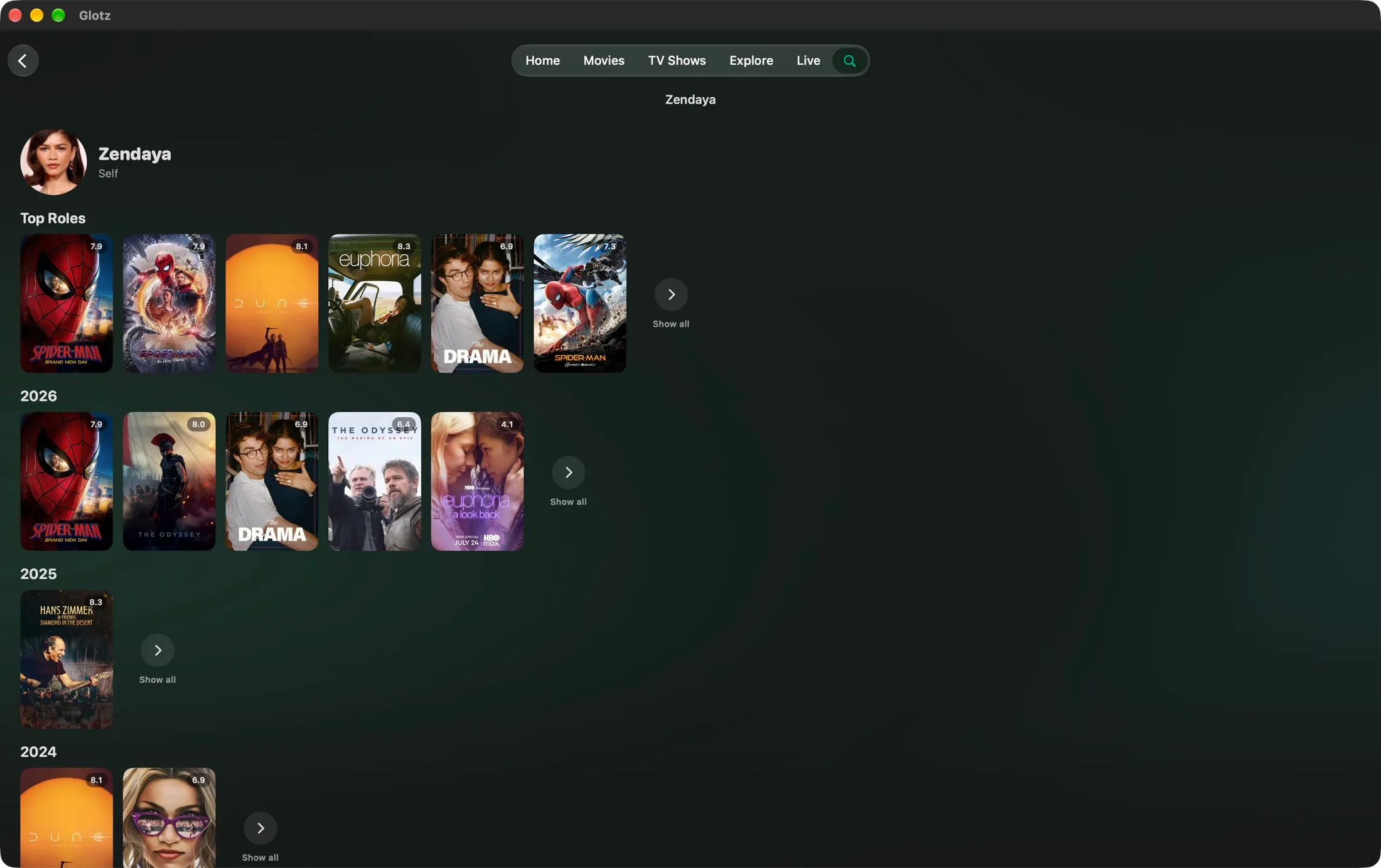
One person, their roles: weighted by billing instead of popularity, sorted by year.
Everywhere
Watchlist and progress travel through your private iCloud. The Apple TV does not get a blown-up iPhone app but an interface built for the remote.

Shrinking
Shrinking
Shrinking
Shrinking
Now, via TestFlight
 TestFlight
  App Store: coming soon
  iPhone iOS 26 or later iPad iPadOS 26 or later Apple TV tvOS 26 or later Mac Apple silicon Apple Vision Pro visionOS 26 or later
 via TestFlight, version 26 or later
In progress
'/%3e%3cg%20id='a'%20stroke='%23FFF'%20stroke-width='7.2'%3e%3crect%20rx='6.5'%20transform='rotate(29)'%20height='86'%20width='13'%20y='-86'%20x='14'/%3e%3crect%20id='c'%20rx='24'%20height='133'%20width='48'%20y='41'%20x='-143'/%3e%3cuse%20y='97'%20x='85'%20xlink:href='%23c'/%3e%3c/g%3e%3cg%20id='b'%3e%3cellipse%20cy='41'%20rx='91'%20ry='84'/%3e%3crect%20rx='22'%20height='182'%20width='182'%20y='20'%20x='-91'/%3e%3c/g%3e%3c/g%3e%3cg%20stroke='%23FFF'%20stroke-width='7.2'%20fill='%23FFF'%3e%3cpath%20d='m-95%2044.5h190'/%3e%3ccircle%20cx='-42'%20r='4'/%3e%3ccircle%20cx='42'%20r='4'/%3e%3c/g%3e%3c/svg%3e) Android Phone and tablet
Android Phone and tablet %20--%3e%3c!DOCTYPE%20svg%20PUBLIC%20'-//W3C//DTD%20SVG%201.1//EN'%20'http://www.w3.org/Graphics/SVG/1.1/DTD/svg11.dtd'%3e%3csvg%20version='1.1'%20id='Layer_1'%20xmlns='http://www.w3.org/2000/svg'%20xmlns:xlink='http://www.w3.org/1999/xlink'%20x='0px'%20y='0px'%20width='800px'%20height='138px'%20viewBox='0%200%20800%20138'%20enable-background='new%200%200%20800%20138'%20xml:space='preserve'%3e%3cg%3e%3cpath%20d='M43.714,44.202c12.974,0,23.79,6.668,28.827,13.874V46.002h19.816v90.08H78.899c-3.511,0-6.358-2.842-6.358-6.357v-5.705%20c-5.037,7.2-15.853,13.863-28.827,13.863c-24.674,0-43.417-21.074-43.417-46.838S19.04,44.202,43.714,44.202%20M47.319,62.221%20c-16.037,0-26.848,12.608-26.848,28.824c0,16.211,10.811,28.827,26.848,28.827c16.032,0,26.848-12.616,26.848-28.827%20C74.167,74.829,63.352,62.221,47.319,62.221'/%3e%3cpath%20d='M114.863,46.005h19.821v12.25c5.4-9.005,15.674-14.05,27.385-14.05c20.895,0,34.411,14.773,34.411,37.655v54.222h-13.463%20c-3.51,0-6.358-2.847-6.358-6.357V85.103c0-14.231-7.21-22.879-18.732-22.879c-13.153,0-23.242,10.269-23.242,29.542v44.316%20h-13.469c-3.505,0-6.353-2.847-6.353-6.357V46.005z'/%3e%3cpath%20d='M255.575,44.202c12.969,0,23.785,6.668,28.827,13.874V0.967h19.811v135.115h-13.458c-3.505,0-6.353-2.842-6.353-6.357%20v-5.705c-5.042,7.2-15.858,13.863-28.827,13.863c-24.685,0-43.421-21.074-43.421-46.838S230.891,44.202,255.575,44.202%20M259.181,62.221c-16.032,0-26.843,12.608-26.843,28.824c0,16.211,10.811,28.827,26.843,28.827%20c16.026,0,26.837-12.616,26.837-28.827C286.018,74.829,275.207,62.221,259.181,62.221'/%3e%3cpath%20d='M326.724,46.005h19.816v16.034c3.421-10.269,13.511-16.934,23.784-16.934c2.516,0,5.047,0.182,7.748,0.721v20.356%20c-3.432-1.082-6.305-1.621-9.905-1.621c-11.353,0-21.626,9.553-21.626,27.568v43.953h-13.463c-3.505,0-6.353-2.847-6.353-6.357%20V46.005z'/%3e%3cpath%20d='M431.504,137.883c-26.658,0-47.2-20.722-47.2-46.833c0-26.124,20.542-46.848,47.2-46.848%20c26.669,0,47.201,20.719,47.201,46.848C478.705,117.161,458.173,137.883,431.504,137.883%20M431.504,119.514%20c15.854,0,27.027-12.437,27.027-28.464c0-16.031-11.174-28.468-27.027-28.468c-16.031,0-27.2,12.437-27.2,28.468%20C404.304,107.077,415.473,119.514,431.504,119.514'/%3e%3cpath%20d='M504.674,26.37c-7.205,0-13.332-5.939-13.332-13.334c0-7.206,6.127-13.15,13.332-13.15c7.384,0,13.152,5.945,13.152,13.15%20C517.826,20.431,512.058,26.37,504.674,26.37%20M494.773,46.002h19.811v90.08h-13.458c-3.511,0-6.353-2.853-6.353-6.357V46.002z'/%3e%3cpath%20d='M574.285,44.202c12.974,0,23.785,6.668,28.832,13.874V0.967h19.816v135.115h-13.458c-3.517,0-6.358-2.842-6.358-6.357%20v-5.705c-5.047,7.2-15.858,13.863-28.832,13.863c-24.674,0-43.411-21.074-43.411-46.838S549.611,44.202,574.285,44.202%20M577.891,62.221c-16.026,0-26.837,12.608-26.837,28.824c0,16.211,10.811,28.827,26.837,28.827%20c16.037,0,26.848-12.616,26.848-28.827C604.738,74.829,593.928,62.221,577.891,62.221'/%3e%3cpath%20d='M657.387,57.463h-19.39V45.51h19.39V20.323h12.679V45.51h26.453v11.953h-26.453v52.361%20c0,11.048,4.896,15.395,15.037,15.395c3.621,0,8.517-0.726,11.416-1.989v11.411c-4.174,1.632-8.516,2.357-13.41,2.357%20c-15.396,0-25.722-8.884-25.722-26.095V57.463z'/%3e%3cpolygon%20points='799.604,45.507%20757.215,136.093%20747.251,136.093%20704.855,45.507%20718.987,45.507%20752.141,117.43%20785.294,45.507%20'/%3e%3c/g%3e%3c/svg%3e)
 Android TV and Google TV Chromecast, Shield, Sony, Philips
  Fire TV Sticks, Cubes, Fire TV sets
  Samsung Smart TV Tizen, 2021 or later
  LG Smart TV webOS, 2021 or later
 %20--%3e%3csvg%20id='svg2759'%20xmlns='http://www.w3.org/2000/svg'%20height='91.636'%20width='499.76'%20version='1.0'%3e%3cdefs%20id='defs2761'%3e%3cclipPath%20id='clipPath2855'%3e%3cpath%20id='path2857'%20d='m0%20595.28h841.89v-595.28h-841.89v595.28z'/%3e%3c/clipPath%3e%3c/defs%3e%3cg%20id='layer1'%20transform='translate(-127.26%20-383.69)'%3e%3cg%20id='g2851'%20transform='matrix(1.25%200%200%20-1.25%20-154.36%20849.47)'%3e%3cg%20id='g2853'%20clip-path='url(%23clipPath2855)'%3e%3cpath%20id='path2859'%20d='m360.92%20371.16h-21.48v-27.97h-22.36v27.97h-21.48v-70.37h21.48v27.68h22.36v-27.68h21.48v70.37zm74.72-56.23v56.23h-21.48v-70.37h38.84l3.23%2014.14h-20.59zm-37.36%2056.23h-21.48v-70.37h21.48v70.37zm87.08%200h-21.47v-70.37h21.47v70.37zm105.9-17.96c0%203.83%203.83%205.6%2010%205.6%206.77%200%2014.13-1.48%2019.13-3.55l-1.76%2015.32c-5.6%201.18-10.6%202.06-19.71%202.06-17.36%200-29.13-6.85-29.13-21.2%200-24.73%2033.55-19.73%2033.55-31.21%200-4.41-3.25-6.76-11.19-6.76-7.05%200-17.95%202.35-24.42%205.59l2.36-16.2c6.47-2.36%2015.29-3.53%2022.36-3.53%2017.94%200%2032.65%205.89%2032.65%2023.56%200%2023.54-33.84%2019.13-33.84%2030.32m-60.59-35.63c19.99%200%2032.65%2010.31%2032.65%2028.27%200%2019.72-13.53%2026.79-35.6%2026.79-8.53%200-18.83-0.59-26.18-1.47v-70.37h21.48v16.78h7.65zm11.47%2027.97c0-9.12-4.41-15.31-15.6-15.31h-3.52v29.08c1.25%200.07%202.42%200.07%203.52%200.07%2010.59%200%2015.6-5%2015.6-13.84m-287.72-27.97c20%200%2032.65%2010.31%2032.65%2028.27%200%2019.72-13.53%2026.79-35.59%2026.79-8.54%200-18.83-0.59-26.19-1.47v-70.37h21.48v16.78h7.65zm11.48%2027.97c0-9.12-4.42-15.31-15.6-15.31h-3.53v29.08c1.25%200.07%202.43%200.07%203.53%200.07%2010.59%200%2015.6-5%2015.6-13.84'%20fill='%230B5ED7'/%3e%3c/g%3e%3c/g%3e%3c/g%3e%3c/svg%3e)
 Philips and Panasonic Titan OS, Google TV, Fire TV
 Every platform gets the same franchises, the same search and the same state. To make that work beyond the Apple boundary there will be a Glotz account for sync.
Compared
Most IPTV players are file browsers with a play button. Glotz treats your subscription like a library: posters, franchises, people, one state on every device.
| Feature | Glotz | Chillio | IPTV Smarters Player PRO |
|---|---|---|---|
| Free tier | Yes | Yes | Yes |
| Dedicated Apple TV interface | Yes | Yes | Yes |
| Programme guide with time remaining | Yes | Yes | Yes |
| Android, Fire TV, Samsung, LG | In progress | Android TV | Yes |
| Posters, descriptions and ratings for every title | Yes | Yes | Not listed |
| Five versions of the same movie under one entry | Yes | Yes | Not listed |
| Offline downloads | Yes | Yes | Not listed |
| Sync between devices | iCloud, account coming | iCloud and account | Not listed |
| Ads inside the app | None | None | Yes, per App Store |
| Over 80 hand-curated franchises, in story order | Yes | Not listed | Not listed |
| Search for people, franchises and studios | Yes | Not listed | Not listed |
| Yearly price | €19.99 | varies by region | €19.99 |
Free tier
Dedicated Apple TV interface
Programme guide with time remaining
Android, Fire TV, Samsung, LG
Posters, descriptions and ratings for every title
Five versions of the same movie under one entry
Offline downloads
Sync between devices
Ads inside the app
Over 80 hand-curated franchises, in story order
Search for people, franchises and studios
Yearly price
As of September 2026. Details about other apps are taken from their descriptions and prices on the German App Store and their websites. “Not listed” means: not mentioned in the vendor’s own description. All trademarks belong to their owners.
Features
Not just titles: people, franchises and studios. “Jonah Hill” leads to a profile with the roles that matter, weighted by billing rather than by popularity.
Download movies and episodes and watch without a connection. Transfers keep running while the app is closed, and stay on the device.
A title without a confident match stays without a poster. A podcast called “The Breakfast Club” does not get the 1985 film poster here.
Land on a series and you find its franchise, and through it everything that belongs to it. Not “more like this” but actual membership.
German and English, right down to the descriptions and the posters. Switch and everything changes at once.
Switch audio and subtitles mid-stream, double tap to jump 15 seconds, speed from 0.5× to 2×, picture in picture and AirPlay.
If a channel stays black, Glotz notices and switches decoder before you reach for the remote. Sound without picture does not count as success.
A link with cover art for the group chat. Anyone with Glotz lands right on the title, with their own provider.
If a movie comes in several languages or qualities, Glotz asks before it starts: English or German, 4K or HD. One tap, no digging.
Colour worlds
The background follows the title you are on. Prefer one fixed mood? Pick a colour world, and the app icon comes along.
Plainly
There are two kinds of app in this space. One sells you access to content, the other shows you what you already have access to. Glotz is the second kind, and nothing else.
We run no content servers, broker no providers and earn nothing from their sales. We have nothing to do with illegal IPTV services and want nothing to do with them. Whether your subscription is lawful is your responsibility.
Everything works without one. With an account your state travels across all your devices, soon beyond the Apple boundary too. Your provider credentials stay in your device’s keychain.
No advertising, no analytics tools, nothing passed on to third parties.
What you watched sits in your own iCloud. We do not see it, because it never reaches us.
Pricing
Library, franchises, search, watchlist and iCloud sync stay free. You pay for convenience, not for access.
Free
Everything you need to watch.
€0forever
Premium
Coming soonGlotz, the way you want it.
€4.99per month
Everything from Free, plus
Ultimate
Coming soonPremium, plus the big things.
€8.99per month
Everything from Free and Premium, plus
During the TestFlight phase everything is unlocked.
Family plans work through App Store Family Sharing for up to six people. Billing and cancellation run through your Apple Account. Prices include VAT. Which feature sits in which tier may still change before the App Store launch. Prices in your region are set at App Store launch and may differ.
Common questions
Yes. Glotz ships with no content. You enter the credentials of your existing IPTV provider, and Glotz presents whatever that provider makes available to you.
The layout yes, the content no. Which movies, shows and channels you see depends entirely on your subscription. The screenshots on this page show a sample library.
No. Neither subscriptions nor channels nor movies. We have no business relationship with any provider and receive nothing from one.
For the waitlist and the TestFlight application. The app itself needs no account. Later the account carries sync between Apple devices and everything else.
Create an account, tick the application on the waitlist. The invitation arrives by email from Apple as soon as a seat opens up. A subscription with your own provider is required.
In your device’s keychain. They leave your device only to sign in to your own provider. They are never transmitted to us.
Watchlist, progress and finished titles, through your private iCloud. That runs between your devices and Apple, not through a server of ours.
From TMDB, a public film database. Glotz sends it only the title it is looking up. Never your credentials, and never what you actually watch.
The port is planned and prepared, in this order: Android and Android TV first, then Fire TV, then Samsung and LG. We name a date once it holds.
Waitlist
Create an account, join, ask for a TestFlight seat. Two minutes.
For iPhone, iPad, Apple TV, Mac and Vision Pro. A subscription with your own provider is required.